What is a Pixel?
The Squares That Build Your Screen
The Short Answer
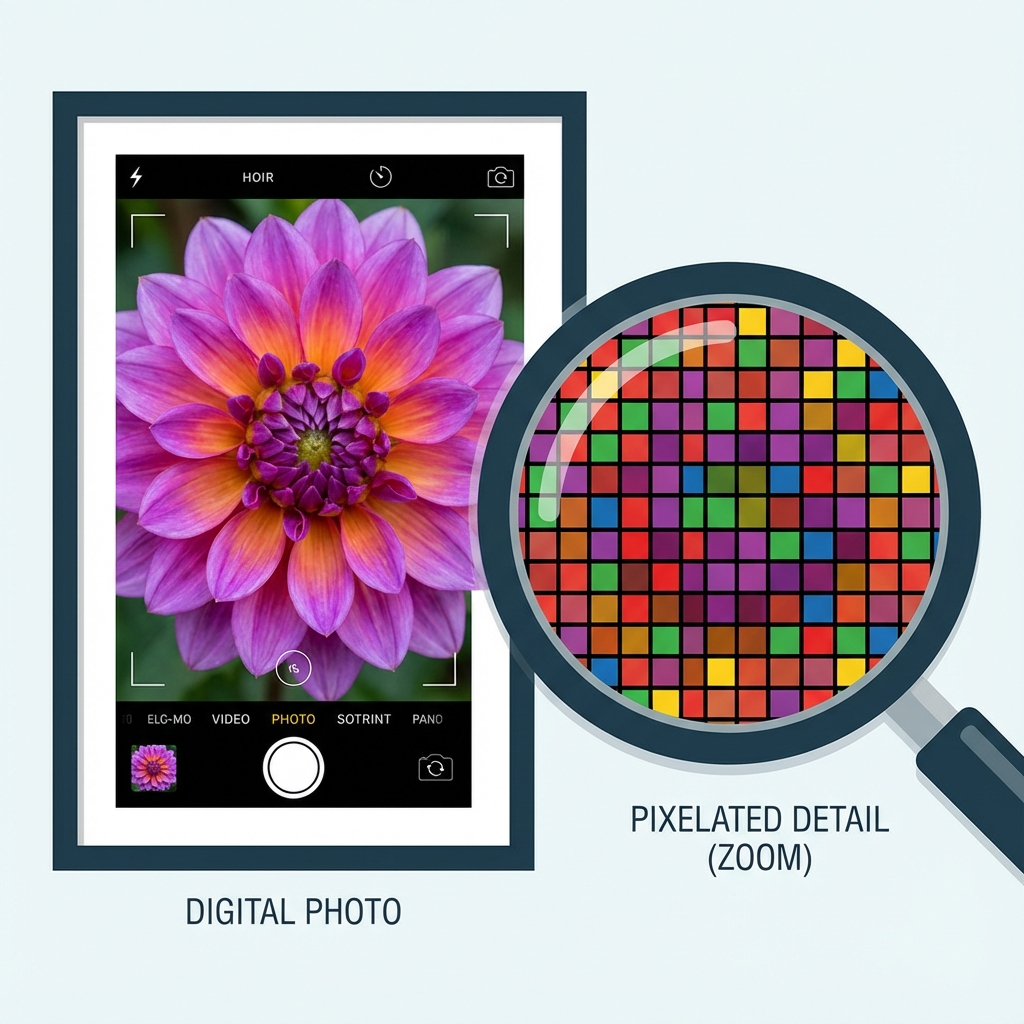
A Pixel (short for "Picture Element") is the smallest controllable element of a picture represented on a screen.
Think of a digital image like a mosaic. A mosaic is made of thousands of tiny colored tiles. When you stand close, you see individual tiles. When you step back, they blend together to form a beautiful picture.
In the digital world, those tiles are pixels. Your phone screen has millions of them, packed so tightly that your eye can't see the gaps.
How Do They Create Color?
Here is the magic trick: A single pixel is not actually one color. It is made of three tiny lights called sub-pixels:
- Red
- Green
- Blue
This is called RGB. By turning these three tiny lights on at different brightness levels, your screen can trick your eye into seeing over 16 million colors.

Mixing Light (Additive Color)
* This is the opposite of mixing paint. With light, adding all colors makes white!
Deep Dive: Understanding the Specs
Why 16 Million Colors? (Bit Depth)
You might hear screens described as "8-bit color". This creates the standard 16.7 million colors. Here is the math:
- Each sub-pixel (Red, Green, Blue) has 256 settings (levels of brightness).
- 256 (Red) × 256 (Green) × 256 (Blue) = 16,777,216 combinations.
What is a Megapixel?
One Megapixel (MP) is simply one million pixels. When a camera claims to be "12 Megapixels", it means the photo it takes contains roughly 12 million tiny squares. More megapixels means a larger image that can be zoomed in further without getting blurry.
PPI vs. DPI
PPI (Pixels Per Inch) is for screens. DPI (Dots Per Inch) is for printers. Printers use dots of ink (Cyan, Magenta, Yellow, Black) to simulate pixels. Because ink dots are static (they can't change brightness like a screen), printers usually need a much higher DPI (like 300 to 1200) to look as sharp as a screen at 150 PPI.
What is Resolution?
Resolution is simply the count of how many pixels are in an image or screen. It is usually written as Width x Height.
The higher the resolution, the more pixels you have. More pixels mean more detail and sharpness, because each "tile" in the mosaic can be smaller.
PPI: Pixels Per Inch
Having millions of pixels doesn't matter if your screen is the size of a billboard. Sharpness is determined by Density, measured in PPI (Pixels Per Inch).
- Low PPI (72): Standard monitors. You might see pixelation if you look close.
- High PPI (300+): "Retina" displays on phones. Pixels are so small individual ones are invisible.
Want to Manage Your Pixels?
Now that you know what pixels are, you can control them. Resize images to change their pixel count, or compress them to make files smaller.